> ## Documentation Index
> Fetch the complete documentation index at: https://next.gentrace.ai/docs/llms.txt
> Use this file to discover all available pages before exploring further.
# Views
> Collections of derivations with filters, sampling, and alerting.
## Overview
In Gentrace, analyses are perfomed by [Gentrace Chat](/error-analysis/chat) creating [derivations](/error-analysis/derivations).
When doing error analysis, you'll often want to group related work into separate views, for example:
* To explore a new line of analysis
* To separate product analytics from hard errors
In Gentrace, views are collections of derivations with filters, sampling, and alerting, enabling you to keep work focused and control how and when derivations and alerts run.
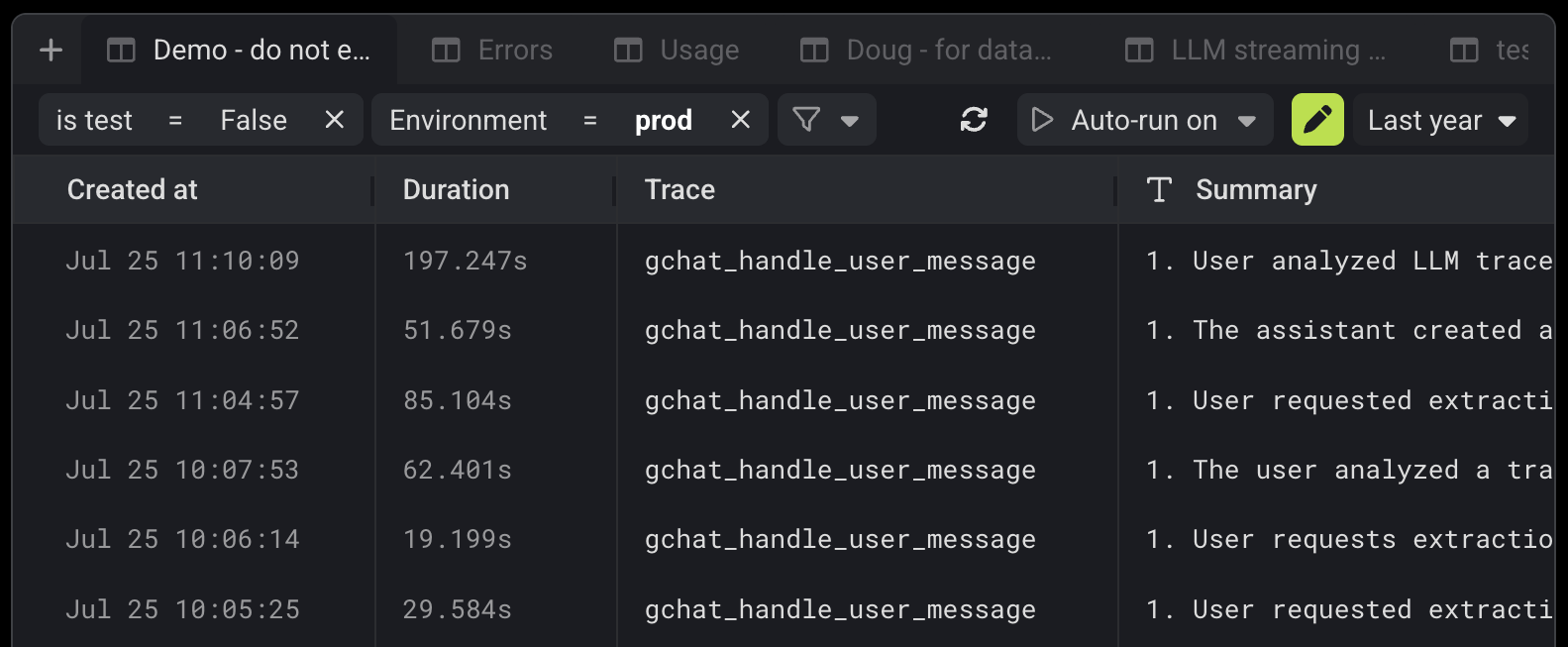 Create views on the Traces and Experiments pages by clicking the "+" button in the top right of the page.
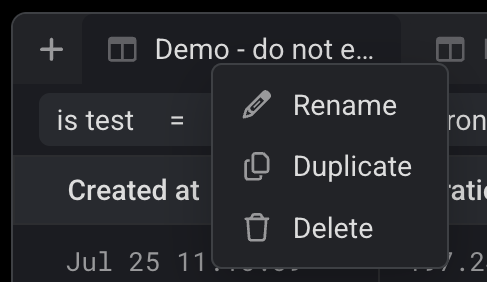
Alternatively, duplicate an existing view to create a new one by right clicking on the view in the tab bar.
Create views on the Traces and Experiments pages by clicking the "+" button in the top right of the page.
Alternatively, duplicate an existing view to create a new one by right clicking on the view in the tab bar.
 ## Filters
Filter views by pressing the filter button in the top bar of the page.
Gentrace supports filtering by:
* Trace name, error, arguments, output, and duration
* Any [derivation](/error-analysis/derivations) in the view
When looking to filter for a specific value in a trace, extract it
as a [derivation](/error-analysis/derivations) and use that in the
filter.
## Sampling and auto-run (traces page only)
By default, views do not automatically run derivations on new traces.
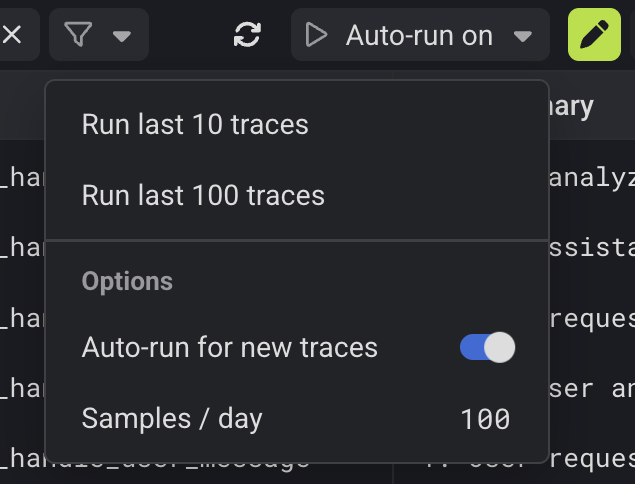
To do so, enable auto-run in the top-right of the view.
Once auto-run is enabled, Gentrace will run derivations on new traces in the view according to the sampling rate.
The sampling rate is defined as a maximum number of traces to sample per day.
This can be modified in the auto-run settings.
## Filters
Filter views by pressing the filter button in the top bar of the page.
Gentrace supports filtering by:
* Trace name, error, arguments, output, and duration
* Any [derivation](/error-analysis/derivations) in the view
When looking to filter for a specific value in a trace, extract it
as a [derivation](/error-analysis/derivations) and use that in the
filter.
## Sampling and auto-run (traces page only)
By default, views do not automatically run derivations on new traces.
To do so, enable auto-run in the top-right of the view.
Once auto-run is enabled, Gentrace will run derivations on new traces in the view according to the sampling rate.
The sampling rate is defined as a maximum number of traces to sample per day.
This can be modified in the auto-run settings.