> ## Documentation Index
> Fetch the complete documentation index at: https://next.gentrace.ai/docs/llms.txt
> Use this file to discover all available pages before exploring further.
# SDK Errors
> Common SDK errors and warnings in Gentrace
### `GT_OtelNotConfiguredError`
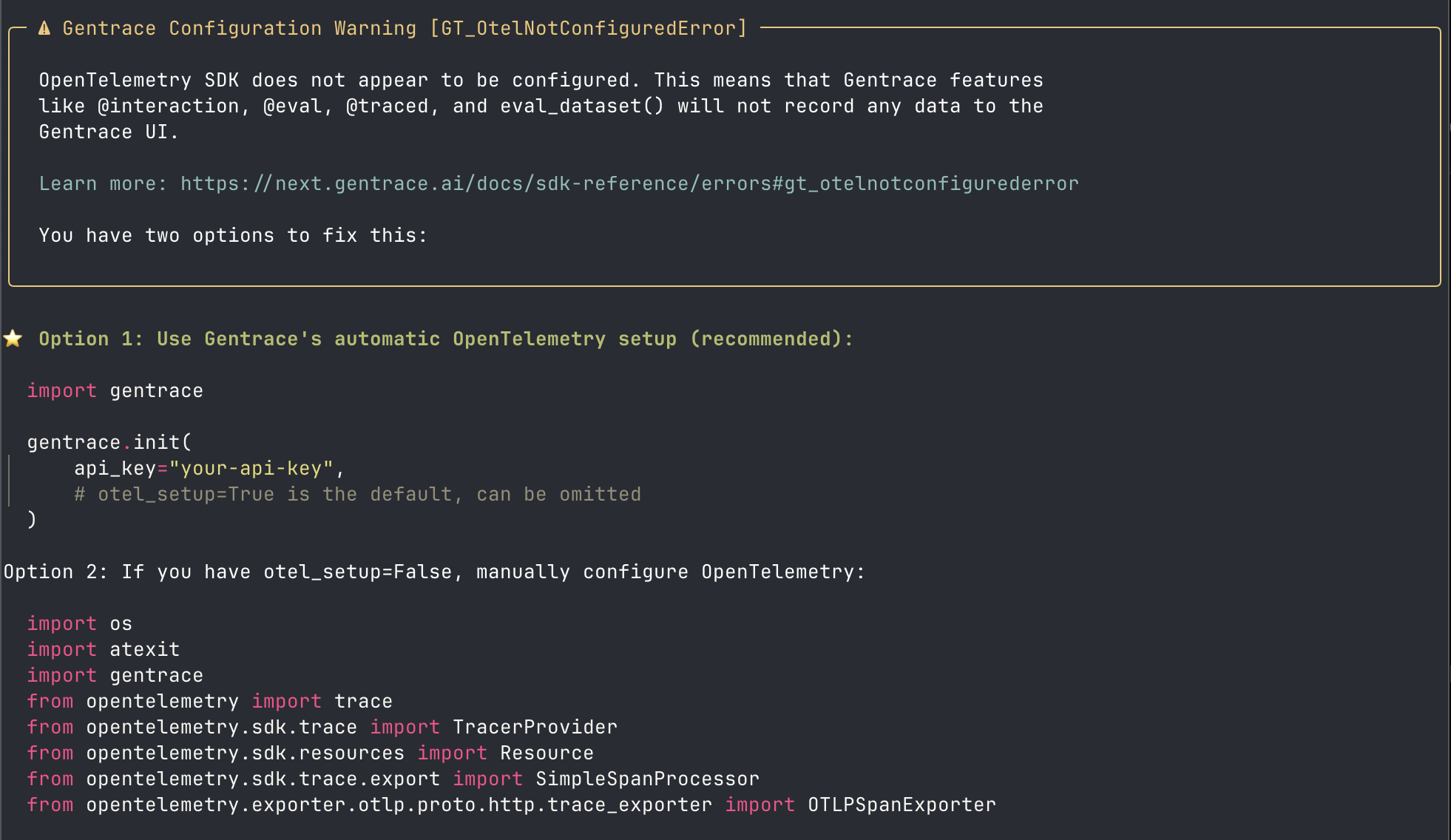 **Error Message:** `OpenTelemetry SDK does not appear to be configured`
**Affected SDKs:** Node.js, Python
**Description:** This warning appears when the OpenTelemetry SDK is not properly configured. Without proper configuration, Gentrace features like [`interaction()`](/tracing/interactions), [`evalOnce()`/`eval()`](/evaluation/unit-tests), [`traced()`](/tracing/traced), and [`evalDataset()`/`eval_dataset()`](/evaluation/dataset-tests) will not record any data to the Gentrace UI.
**Resolution:**
```typescript theme={null}
import { init } from '@gentrace/core';
// Initialize Gentrace with automatic OpenTelemetry setup
init({
apiKey: process.env.GENTRACE_API_KEY,
});
```
```python theme={null}
import gentrace
gentrace.init(
api_key="your-api-key",
# otel_setup=True is the default, can be omitted
)
```
See the [init reference](/getting-started/initialization) and [OpenTelemetry setup guide](/reference/opentelemetry-guide) for more options.
**Troubleshooting:** If you've configured OpenTelemetry but still
don't see traces, visit
[https://gentrace.ai/s/otel-metrics](https://gentrace.ai/s/otel-metrics)
to monitor span ingestion. This dashboard shows distributions of
accepted, rejected, and buffered spans to help identify
configuration issues.
### `GT_PipelineInvalidError`
**Error Message:** `OpenTelemetry SDK does not appear to be configured`
**Affected SDKs:** Node.js, Python
**Description:** This warning appears when the OpenTelemetry SDK is not properly configured. Without proper configuration, Gentrace features like [`interaction()`](/tracing/interactions), [`evalOnce()`/`eval()`](/evaluation/unit-tests), [`traced()`](/tracing/traced), and [`evalDataset()`/`eval_dataset()`](/evaluation/dataset-tests) will not record any data to the Gentrace UI.
**Resolution:**
```typescript theme={null}
import { init } from '@gentrace/core';
// Initialize Gentrace with automatic OpenTelemetry setup
init({
apiKey: process.env.GENTRACE_API_KEY,
});
```
```python theme={null}
import gentrace
gentrace.init(
api_key="your-api-key",
# otel_setup=True is the default, can be omitted
)
```
See the [init reference](/getting-started/initialization) and [OpenTelemetry setup guide](/reference/opentelemetry-guide) for more options.
**Troubleshooting:** If you've configured OpenTelemetry but still
don't see traces, visit
[https://gentrace.ai/s/otel-metrics](https://gentrace.ai/s/otel-metrics)
to monitor span ingestion. This dashboard shows distributions of
accepted, rejected, and buffered spans to help identify
configuration issues.
### `GT_PipelineInvalidError`
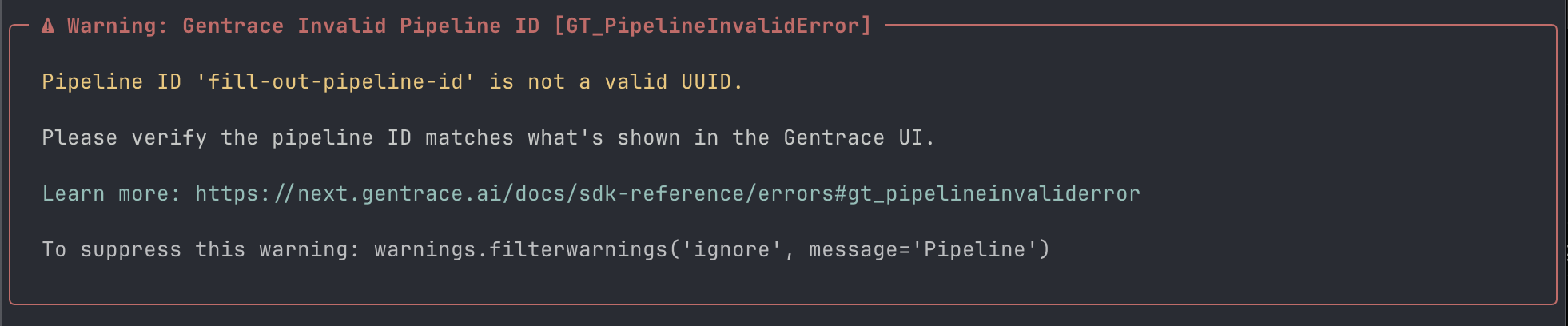 **Error Message:** `Pipeline ID 'xxx' is not a valid UUID`
**Affected SDKs:** Python, Node.js
**Description:** This error occurs when the provided pipeline ID is not a valid UUID format. Pipeline IDs in Gentrace must be valid UUIDs.
**Resolution:** Verify the pipeline ID matches what's shown in the Gentrace UI. Pipeline IDs should be in UUID format. See the [pipelines reference](/sdk-entities/pipelines) for more information.
### `GT_PipelineNotFoundError`
**Error Message:** `Pipeline ID 'xxx' is not a valid UUID`
**Affected SDKs:** Python, Node.js
**Description:** This error occurs when the provided pipeline ID is not a valid UUID format. Pipeline IDs in Gentrace must be valid UUIDs.
**Resolution:** Verify the pipeline ID matches what's shown in the Gentrace UI. Pipeline IDs should be in UUID format. See the [pipelines reference](/sdk-entities/pipelines) for more information.
### `GT_PipelineNotFoundError`
 **Error Message:** `Pipeline 'xxx' does not exist or is not accessible`
**Affected SDKs:** Python, Node.js
**Description:** The specified pipeline ID does not exist in your Gentrace account or is not accessible with the current API key.
**Resolution:**
* Verify the pipeline ID matches what's shown in the Gentrace UI
* Check that your API key has access to the specified pipeline
* Ensure the pipeline exists in the correct environment
* See the [pipelines reference](/sdk-entities/pipelines) for more information
If spans are being sent but not appearing, check
[https://gentrace.ai/s/otel-metrics](https://gentrace.ai/s/otel-metrics)
to verify ingestion status
### `GT_PipelineUnauthorizedError`
**Error Message:** `Access denied to pipeline 'xxx'`
**Affected SDKs:** Python, Node.js
**Description:** Your API key does not have the necessary permissions to access the specified pipeline.
**Resolution:** Check that your `GENTRACE_API_KEY` has the correct permissions for the pipeline you're trying to access. See the [pipelines reference](/sdk-entities/pipelines) for more information about pipeline permissions.
### `GT_AutoInitializationWarning`
**Error Message:** `Pipeline 'xxx' does not exist or is not accessible`
**Affected SDKs:** Python, Node.js
**Description:** The specified pipeline ID does not exist in your Gentrace account or is not accessible with the current API key.
**Resolution:**
* Verify the pipeline ID matches what's shown in the Gentrace UI
* Check that your API key has access to the specified pipeline
* Ensure the pipeline exists in the correct environment
* See the [pipelines reference](/sdk-entities/pipelines) for more information
If spans are being sent but not appearing, check
[https://gentrace.ai/s/otel-metrics](https://gentrace.ai/s/otel-metrics)
to verify ingestion status
### `GT_PipelineUnauthorizedError`
**Error Message:** `Access denied to pipeline 'xxx'`
**Affected SDKs:** Python, Node.js
**Description:** Your API key does not have the necessary permissions to access the specified pipeline.
**Resolution:** Check that your `GENTRACE_API_KEY` has the correct permissions for the pipeline you're trying to access. See the [pipelines reference](/sdk-entities/pipelines) for more information about pipeline permissions.
### `GT_AutoInitializationWarning`
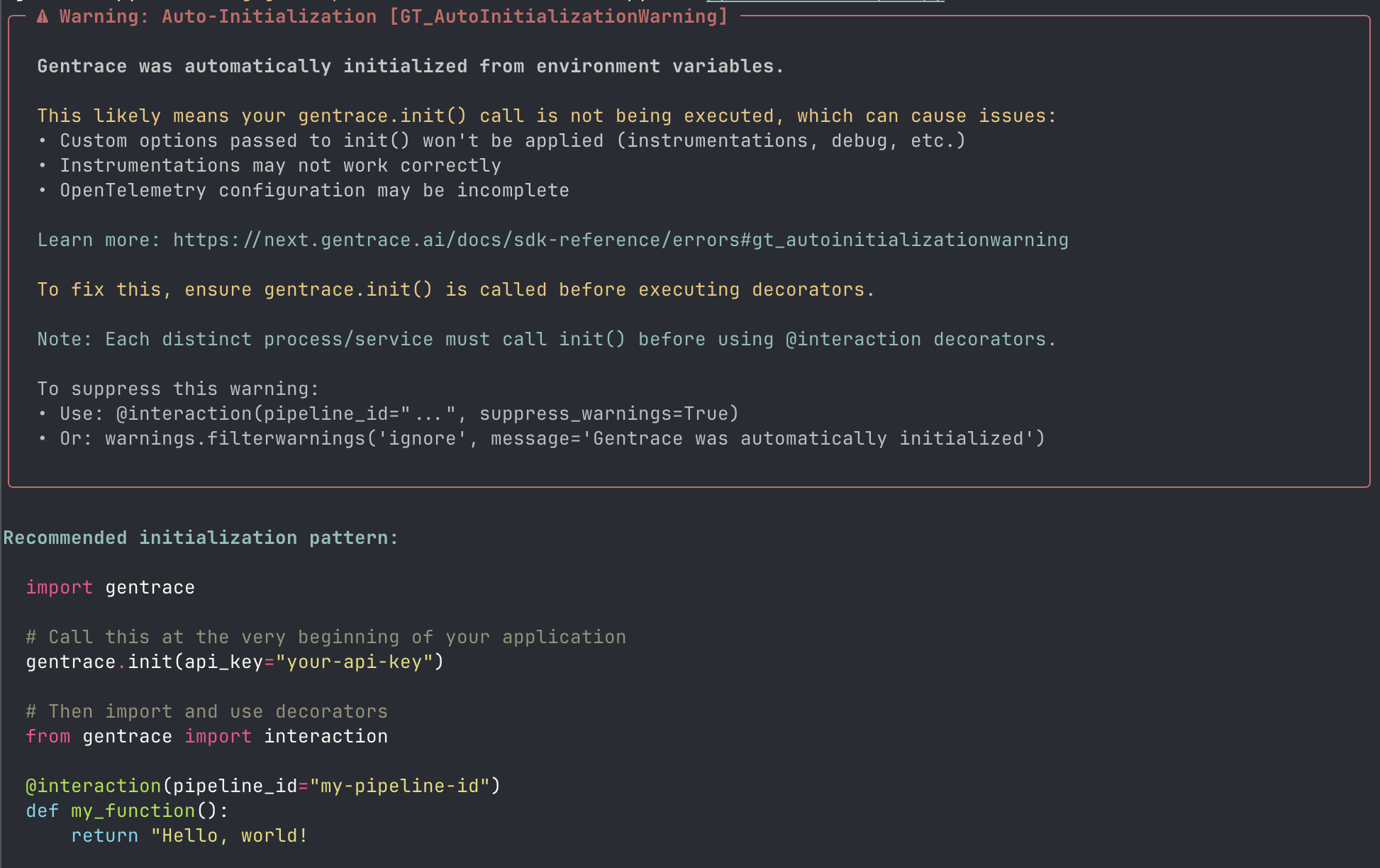 **Error Message:** `Gentrace was automatically initialized from environment variables`
**Affected SDKs:** Python, Node.js
**Description:** This warning appears when Gentrace is automatically initialized from environment variables rather than explicitly calling [`gentrace.init()`](/getting-started/initialization). This can cause issues with custom options and instrumentations.
**Resolution:** Ensure [`gentrace.init()`](/getting-started/initialization) is called at the very beginning of your application before using any decorators:
```python theme={null}
import gentrace
# Call this at the very beginning of your application
gentrace.init(api_key="your-api-key")
# Then import and use decorators
from gentrace import interaction
@interaction(pipeline_id="my-pipeline-id")
def my_function():
return "Hello, world!"
```
See the [init reference](/getting-started/initialization) and [interaction reference](/tracing/interactions) for more details.
## Suppressing Warnings
If you need to suppress specific warnings, you can use Python's warning filters:
```python theme={null}
import warnings
# Suppress all warnings
warnings.filterwarnings('ignore')
```
**Error Message:** `Gentrace was automatically initialized from environment variables`
**Affected SDKs:** Python, Node.js
**Description:** This warning appears when Gentrace is automatically initialized from environment variables rather than explicitly calling [`gentrace.init()`](/getting-started/initialization). This can cause issues with custom options and instrumentations.
**Resolution:** Ensure [`gentrace.init()`](/getting-started/initialization) is called at the very beginning of your application before using any decorators:
```python theme={null}
import gentrace
# Call this at the very beginning of your application
gentrace.init(api_key="your-api-key")
# Then import and use decorators
from gentrace import interaction
@interaction(pipeline_id="my-pipeline-id")
def my_function():
return "Hello, world!"
```
See the [init reference](/getting-started/initialization) and [interaction reference](/tracing/interactions) for more details.
## Suppressing Warnings
If you need to suppress specific warnings, you can use Python's warning filters:
```python theme={null}
import warnings
# Suppress all warnings
warnings.filterwarnings('ignore')
```